





Branded

How can I stop unknown devices from accessing my WiFi?
Some of the scariest stories do not just happen on screen.
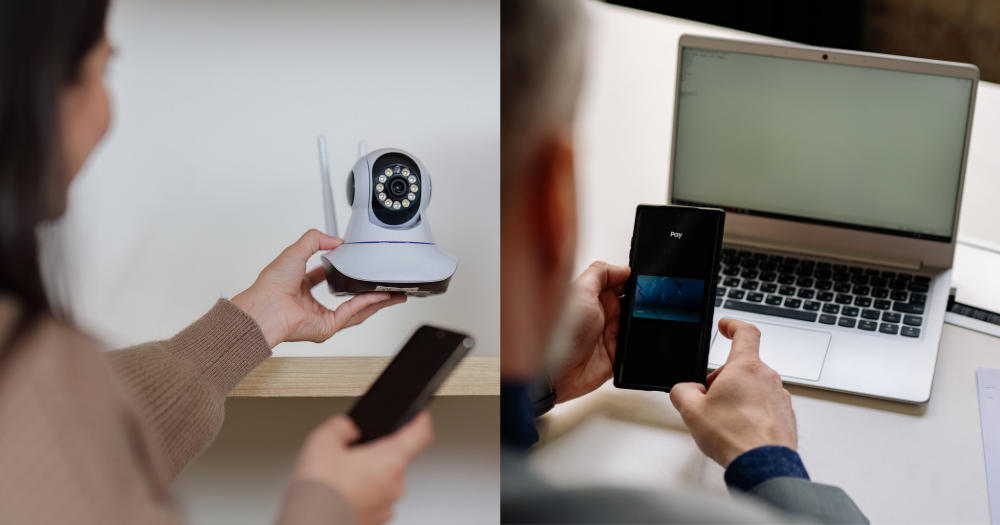
Top photo from Canva
I am a big horror movie junkie, but recently I realised some of the scariest stories do not happen on screen.
Stories about hacked cameras, compromised WiFi networks, and online scams from the news and my colleagues made me realise a home network can be vulnerable in ways I had never considered.
Unknown devices on WiFi
Case in point, when my colleague moved into her new home a few years ago and thought she had everything sorted out, including her WiFi. After some time, she noticed her internet was slowing down every night.
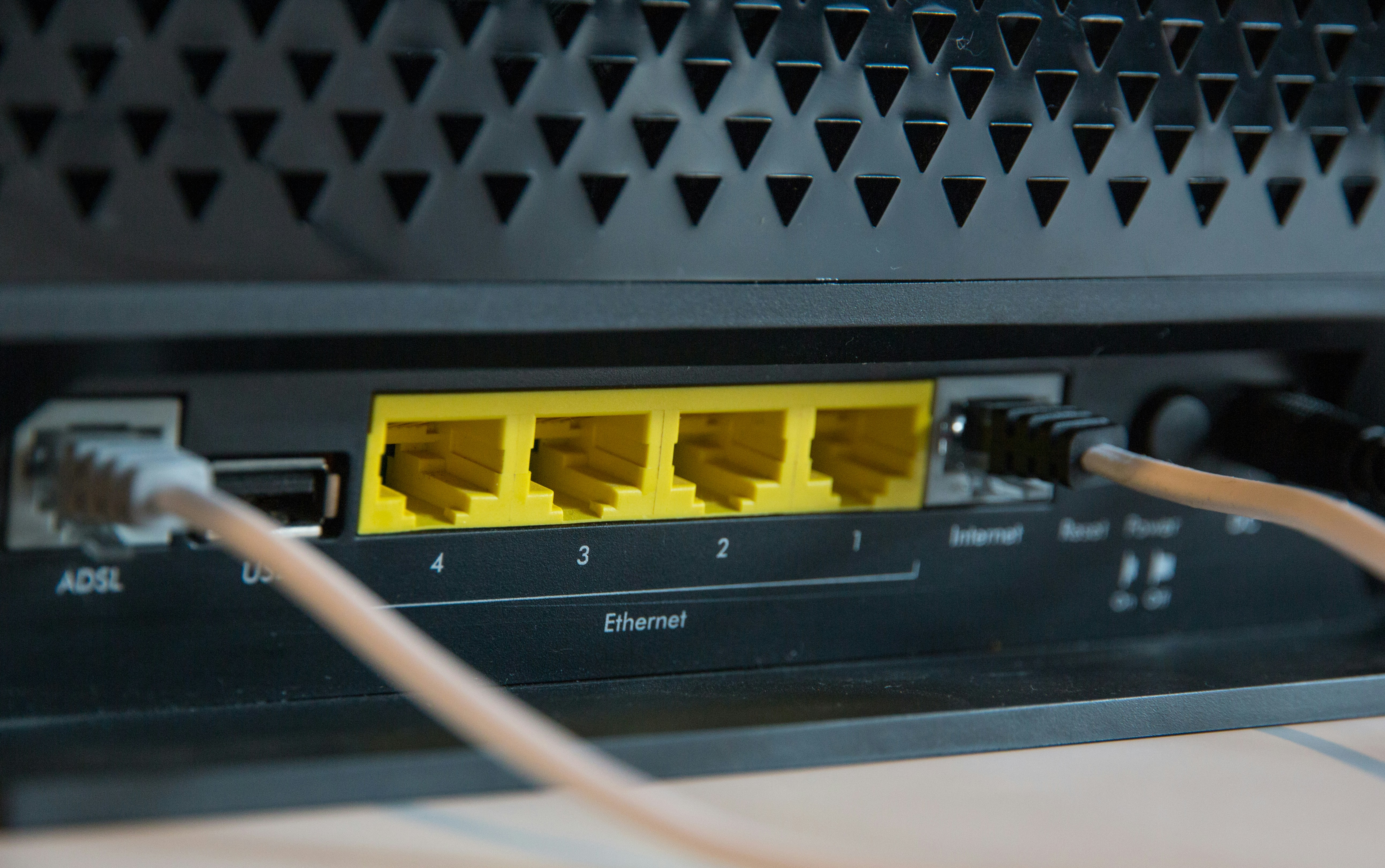 Photo from Stephen Phillips/Unsplash
"I live alone and don't have many devices. So eventually, it started to feel a bit suspicious," she recalled.
When she finally checked her home network dashboard, she discovered several unfamiliar devices logged in.
While she wasn't sure who had gained access, the experience left her deeply unsettled.
"I felt quite stupid afterwards," she admitted.
Yet, having unknown devices access your WiFi is not the worst that can happen.
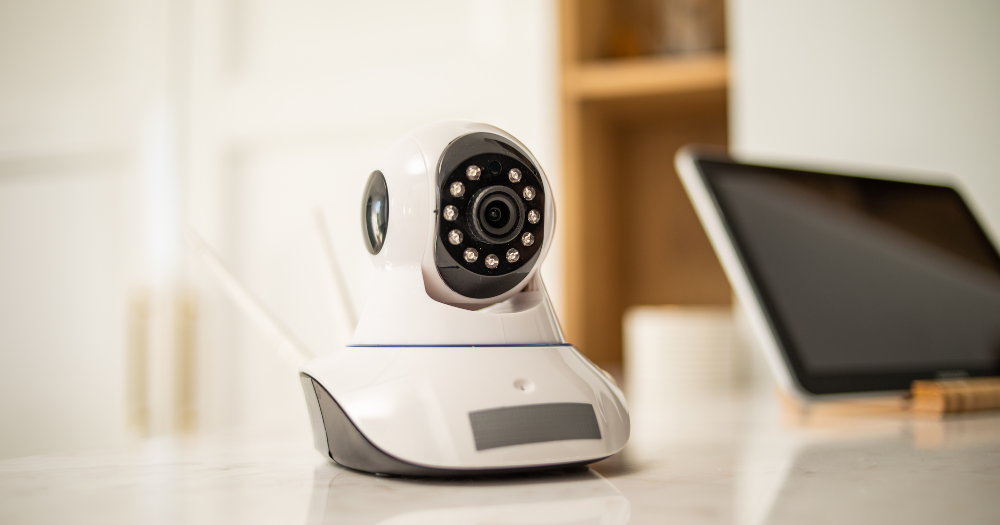 Photo from Canva
Somebody is watching from inside
Many of us install smart cameras for peace of mind: to keep an eye on our elderly parents, pets, or to monitor our homes while travelling.
But what happens when these security devices do the exact opposite?
In 2020, footage from hacked home cameras in Singapore surfaced online.
More recently, in 2025, South Korean police arrested four people accused of hacking more than 120,000 video cameras in homes and businesses to create exploitative content for an overseas website, the BBC reported.
Imagine installing a camera to protect your family, only to discover strangers are watching inside your home.
Weak security settings can quickly turn a protective device into a massive privacy risk.
 Photo from Canva
Infected devices hidden in plain sight
Security cameras are not the only devices that can get compromised, however.
In 2025, Singapore authorities uncovered more than 1,000 infected devices linked to a global botnet operation, according to CNA.
A botnet is a network or collection of malware-infected internet-connected devices that are remotely controlled by a hacker.
Once in control of the device, hackers will use it to carry out tasks such as sending spam emails, generating fake internet traffic, and assisting in distributed denial-of-service (DDoS) attacks to shut down websites.
The terrifying part? Many owners had no idea their devices, such as baby monitors and routers, were compromised.
Their gadgets appeared to function perfectly normally while secretly being used to launch cyberattacks on others.
In 2024, Chinese national Yunhe Wang was arrested in Singapore for allegedly helping to operate one of the world's largest botnets, 911 S5.
Authorities said the 911 S5 botnet infected more than 19 million computers through malware hidden in pirated software, allowing cybercriminals to purchase access to the compromised devices for fraud and other cybercrimes.
Many victims unknowingly infected their own computers simply by downloading what appeared to be legitimate files.
 Photo via Kateryna Hliznitsova/Unsplash
Scams don't discriminate
There is a common myth that scams only happen to the elderly or those who aren't tech-savvy.
But in December 2025, a 44-year-old Singaporean investor who spent years professionally evaluating digital products lost S$100,000 in just 24 hours after downloading what looked like a legitimate game launcher.
If someone with years of technical experience can be deceived, it is easy to see how convincing these scams can be for anyone, including our loved ones.
While I worry about getting caught out myself, I worry more about an older family member clicking a convincing link before realising something is wrong, such as the links in this fake SingPost delivery scam.
Don’t leave the door to your network open
As our homes become more connected and more malicious actors take advantage of our internet usage, broadband is no longer just about ensuring you have a safe password and modern router settings.
Now that our broadband has also become the first line of defence for so many essential items in our household, choosing a network and set-up with multiple safeguards on both the device and network level has now become a necessity.
Instead of leaving security to chance and just focusing solely on price and speed, it's important to first consider the level of protection offered when choosing our broadband plan or network provider.
For Singtel, My Smart Network is more than just about delivering a better connection.
It also encompasses a suite of intelligent network capabilities, tools and apps to protect a customer against evolving threats, including blocking millions of scam calls and SMS messages every month.
This is just one layer of protection, however.
At home, customers will have access to Singtel Broadband, which offers additional security features to help keep your connected devices and family safer online.
Preventing unknown devices from accessing your WiFi
Highest level of certification for Singtel routers
Currently, all of Singtel’s routers, such as newer hardware like the WiFi 7 router, come with the highest 4-star Cyber Security Agency of Singapore’s (CSA) certification.
This means the router has gone through robust security testing and features automatic password randomisation and advanced encryption right out of the box.
Such routers will also have automatic firmware updates and end-to-end network management to patch vulnerabilities in the background.
Currently, WiFi routers sold in Singapore only need to meet the minimum CSA 1-star certified rating, with the requirement set to increase to 2-stars from 2027.
Security to block access to harmful sites and downloads
Beyond routers, Singtel’s Broadband Protect adds network-level layers to block malicious sites and suspicious activity across every single device in the house.
Customers of Singtel’s broadband plans are also able to choose if they wish to upgrade to Broadband Protect Plus for more security features.
Broadband Protect Plus includes a Threat Summary Report and an Auto Blocker that can identify malicious websites and harmful downloads before they reach users' devices.
 Photo via Singtel
It also includes Zero Day Protection, which provides an additional layer of security that continuously checks against a cloud network database and other intelligence to stop both known and unknown threats in real time
The new Broadband Protect Plus builds on Singtel’s Broadband Protect option and starts from just S$6.90 per month.
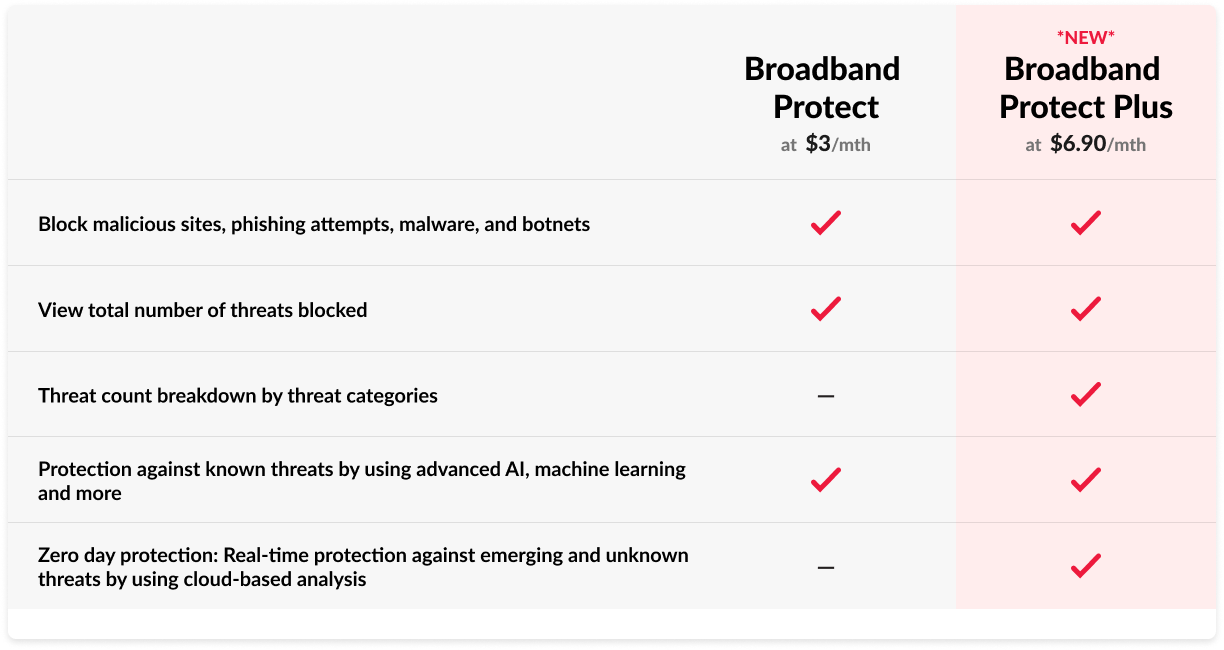 Photo via Singtel
Plans to suit every household
Of course, security is only one part of the equation; you'll also want a plan that matches how your household uses the internet.
Singtel offers WiFi 7 broadband plans in 5Gbps and 10Gbps options to suit different household needs and internet usage.
Regardless of the plan’s speed, each plan comes with built-in security and is inclusive of a 4-star CSA-certified router and 12 months of complimentary Broadband Protect.
On top of that, Singtel offers complimentary one-month security add-ons for McAfee Triple Protect, which gives you added device security in and out of the home against malware, ransomware and scams.
Singtel will also offer the Qustodio Parental Control app under the same terms, which grants you peace of mind while giving your kids the freedom to surf, play and interact online.
The plans also include seven subscriptions, such as six months of HBO Max Standard, one month of Amazon Prime and three months of Microsoft 365 Personal.
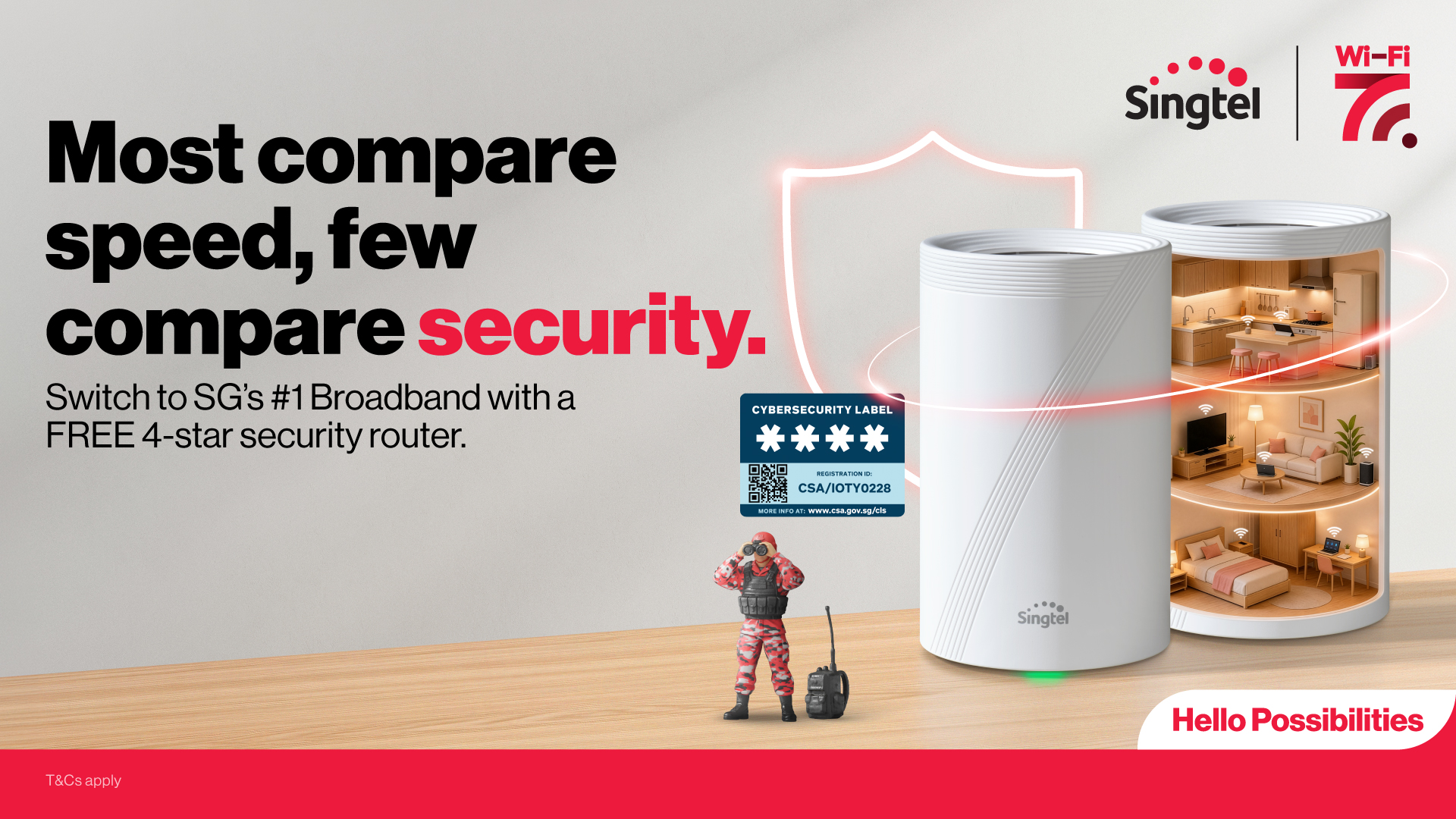 Photo via Singtel
The 5Gbps plans, which start from S$39.90 per month, use the Singtel Wi-Fi 7 HB611 Router and are perfect for families that do lighter browsing or everyday streaming.
The 10Gbps plans, which start from S$49.90 per month, use the TP-Link Wi-Fi 7 HB810 Router, which is great for multiple simultaneous high-bandwidth activities, including 4K or 8K streaming, uploading and downloading large files, online gaming, or even heavy-duty work-from-home activities.
For more information on finding the right secure setup for your home, check out Singtel’s broadband catalogue here.
This sponsored article by Singtel made this writer immediately check her family’s broadband security settings.